 Best
BestDisclosure: We are reader-supported. If you purchase from a link on our site, we may earn a commission, Learn More
InstaDoodle Review
Bring Your Ideas to Life with Doodle-Style Videos — A Closer Look at InstaDoodle
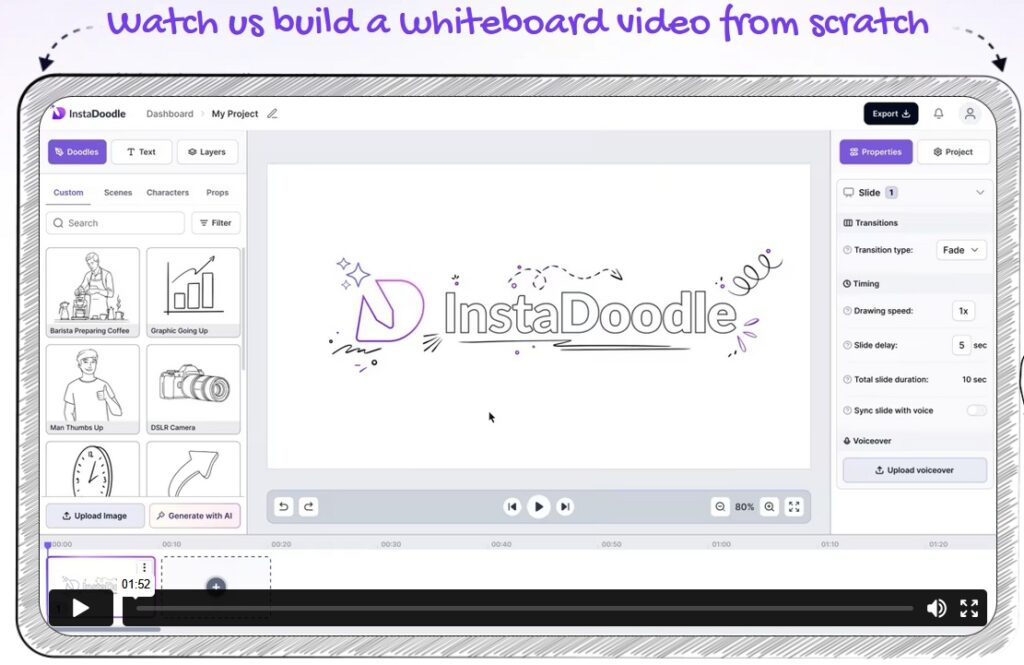
InstaDoodle is a user-friendly, browser-based tool that helps you create simple whiteboard-style videos using pre-made assets and AI-assisted features.
Creating animated explainer videos used to mean one of three things: learning complex animation software, hiring a freelancer, or settling for static slides. In recent years, AI-powered tools have entered the space promising to simplify the process. One of those tools is InstaDoodle.
This is a detailed, balanced review of InstaDoodle—what it does well, where it falls short, and who it’s actually suitable for. No exaggerated income claims. No “push-button profits” narrative. Just a realistic evaluation so you can decide if it fits your needs.
Why Visual Content Works Better Today
Before diving into InstaDoodle itself, it’s worth considering why whiteboard videos — also called “doodle videos” — have remained so effective over the years.
They simplify information. Doodle videos break complex ideas into digestible chunks using simple drawings and animations.
They hold attention longer. Research shows that whiteboard-style videos significantly boost retention and engagement over static images or text.
They work without sound. Since much of the message is conveyed visually, viewers can still grasp the point even if they’re watching on mute.
These characteristics make doodle videos ideal for educational content, business pitches, explainer videos, and even social media.
What Is InstaDoodle?
InstaDoodle is a cloud-based doodle-style video creation tool that uses AI to generate whiteboard-style illustrations from text prompts. Users can then arrange those illustrations into animated slides, add text and voiceovers, and render the final video.
It focuses specifically on:
-
Whiteboard / doodle animation style
-
Slide-based explainer videos
-
AI-generated doodle elements
-
Cloud rendering (no heavy software installation required)
It is marketed toward entrepreneurs, educators, marketers, affiliate promoters, and small business owners who want to create explainer videos without advanced design skills.
How InstaDoodle Works
Here’s a breakdown of how the creation process typically goes:
Start with an idea. You write a script or concept, or even type a few sentences explaining your message.
Let the AI suggest visuals. The DoodleAI™ engine interprets your script and recommends appropriate doodles, characters, props, and layouts.
Customize. You can rearrange scenes, swap illustrations, add or remove animations, and control timing.
Add voice or sound. Use built-in voiceover options, upload your own audio, or choose from royalty-free background music.
Preview and export. Once satisfied, you can export your video and use it on websites, in presentations, ads, or social media.
The entire process is designed to be intuitive — with most users reportedly able to complete their first video within 30 minutes, even with no prior experience.
Key Features Explained
1. AI Text-to-Doodle Engine
The most promoted feature is the AI doodle generator. You type a description (for example, “businesswoman presenting analytics chart” or “student studying at desk”), and the system creates a doodle-style illustration.
Important to understand:
-
Results vary depending on how specific your prompt is.
-
You may need to regenerate variations to get closer to your intended visual.
-
The style remains within the doodle/whiteboard theme—it’s not photorealistic AI art.
This feature saves time compared to searching stock libraries, but it still requires some experimentation.
2. Doodle Image Library (1,000+ Elements)
In addition to AI-generated images, InstaDoodle includes a pre-made asset library containing characters, objects, icons, and common business/education scenes.
For many use cases, this library may be sufficient without needing AI generation at all. This is especially useful when creating straightforward explainer content.
However, if you need highly niche or industry-specific visuals, you may rely more heavily on the AI generator.
3. Animation Effects
Users can apply simple animation styles such as:
-
Draw
-
Fade
-
Slide
-
Wipe
-
Pop-in
These effects simulate the look of hand-drawn whiteboard animation. It is not frame-by-frame character animation; rather, it animates elements onto the screen in stylized transitions.
This keeps the tool accessible but also defines its limitations—it’s not intended for complex animated storytelling.
4. Color vs Black & White Options
There are typically two versions available:
-
Standard (black and white doodles)
-
Color-enabled version
The black-and-white style closely resembles traditional whiteboard animation. The color version allows more vibrant visuals, which may suit modern social media platforms better.
If branding and visual identity are important in your content, the color upgrade may offer more flexibility.
5. Multiple Aspect Ratios
InstaDoodle supports multiple video formats, including:
-
16:9 (YouTube, presentations)
-
9:16 (Reels, Shorts, TikTok-style vertical)
-
Square (Instagram feed)
For creators repurposing content across platforms, this is a practical feature. You won’t need separate tools for resizing videos.
6. Built-In Image Editor
The platform includes a basic image editor that allows:
-
Background removal
-
Color fill
-
Eraser tool
-
Minor adjustments
It’s not comparable to advanced design software, but it’s convenient for small corrections without leaving the platform.
7. Cloud-Based System
Because InstaDoodle is cloud-based:
-
You can access it from multiple devices.
-
You don’t need a powerful computer to render videos.
-
Rendering happens on their servers.
This makes it accessible to users with basic laptops or tablets, assuming a stable internet connection.
Ease of Use
InstaDoodle is designed for non-technical users. The drag-and-drop slide structure makes it relatively intuitive.
However, realistic expectations are important:
-
There is still a learning curve.
-
Creating a strong video depends heavily on your script and pacing.
-
The AI generator may require trial and error.
If you are comfortable using presentation software or beginner-level video editors, you should adapt quickly.
If you’ve never created digital content before, expect to spend some time learning.
How It Compares to Traditional Video Tools
Traditional video editing tools like Adobe Premiere or Final Cut offer more granular control, but they come with a steep learning curve and require significant time investment. InstaDoodle, by contrast, focuses on speed, simplicity, and accessibility.
Here’s a quick comparison:
| Feature | InstaDoodle | Traditional Editors |
|---|---|---|
| Ease of Use | Beginner-friendly | Steep learning curve |
| Time to Create Video | ~30 mins | Several hours to days |
| Creative Control | Moderate | High |
| Skill Level Needed | None | Intermediate to Expert |
| Price | One-time or low-cost | Subscription or expensive |
Who Is InstaDoodle Really For?
While it’s tempting to say “everyone,” InstaDoodle is best suited for:
-
Teachers and tutors who want to make lessons more engaging
-
Small business owners who can’t afford to hire video editors
-
Marketers needing quick-turnaround video content
-
Course creators looking for visual storytelling tools
-
Non-designers who need quality visuals fast
If you’re someone who needs high-end cinematic editing or complex transitions, InstaDoodle probably isn’t the right fit. But if clarity, speed, and ease are your goals, it’s hard to ignore its value.
What About Pricing?
InstaDoodle is often promoted as a one-time payment (lifetime access) rather than a recurring subscription.
This can be appealing compared to monthly SaaS tools. However:
-
Always confirm what “lifetime” means in terms of updates and support.
-
Check whether AI credits are limited or replenishable.
-
Review refund policies before purchasing.
The InstaDoodle Standard version costs $37 as a one-time payment and includes unlimited video creation with black-and-white doodles and core features. The Color version costs $67 as a one-time payment and includes everything in the Standard version, plus the ability to generate and use full-color doodle elements.
There is typically a 60-day money-back guarantee, which reduces risk, provided you meet the refund terms.
Pros and Cons
Pros
-
Beginner-friendly interface
-
AI prompt-to-doodle functionality
-
Cloud-based (no installation required)
-
Multiple aspect ratios supported
-
Commercial use allowed
-
Lower cost than hiring freelancers
Cons
-
AI output can require multiple attempts
-
Limited advanced animation features
-
Style restricted to doodle/whiteboard aesthetic
-
Creativity still depends heavily on your scripting ability
Instadoodle Customer Reviews and Ratings
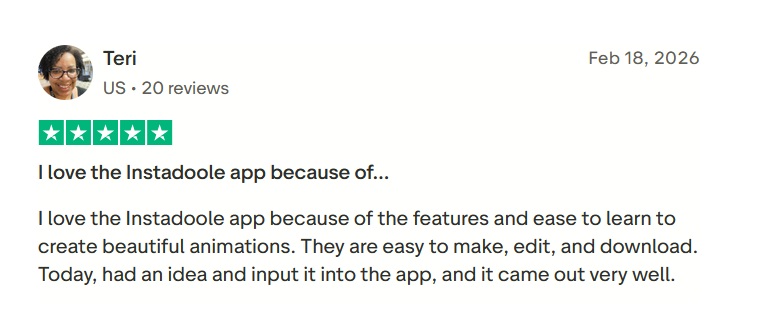
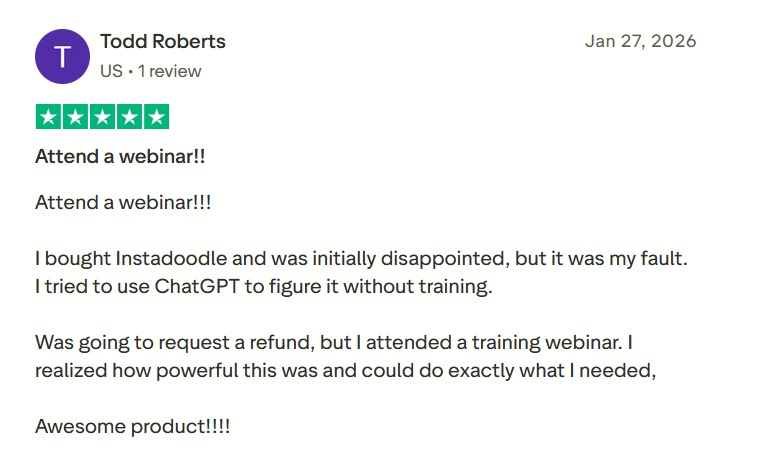
Instadoodle holds an overall ~3.9/5 rating on Trustpilot, with mixed reviews. Users often praise its ease of use, intuitive interface, and value for creating engaging videos, along with responsive support. However, some report slow performance, upsells for extra features, and limitations unless additional purchases are made. Overall, feedback reflects both satisfaction and frustration.
Conclusion: Is InstaDoodle Worth It?
If you’re looking for a fast, affordable, and beginner-friendly way to create engaging videos, InstaDoodle offers real value. It won’t replace a full video production team — nor is it trying to. But for what it aims to do — make doodle videos accessible to non-designers — it performs well.
Its ease of use, fair pricing, and focus on visual storytelling make it an attractive tool for educators, marketers, and small business owners alike.
As with any software purchase, the real value depends on how often you use it—and how effectively you apply it.
If your goal is to turn complex ideas into simple, visual explanations without technical overwhelm, InstaDoodle offers a structured way to do that.
Frequently Asked Questions
1) What is InstaDoodle?
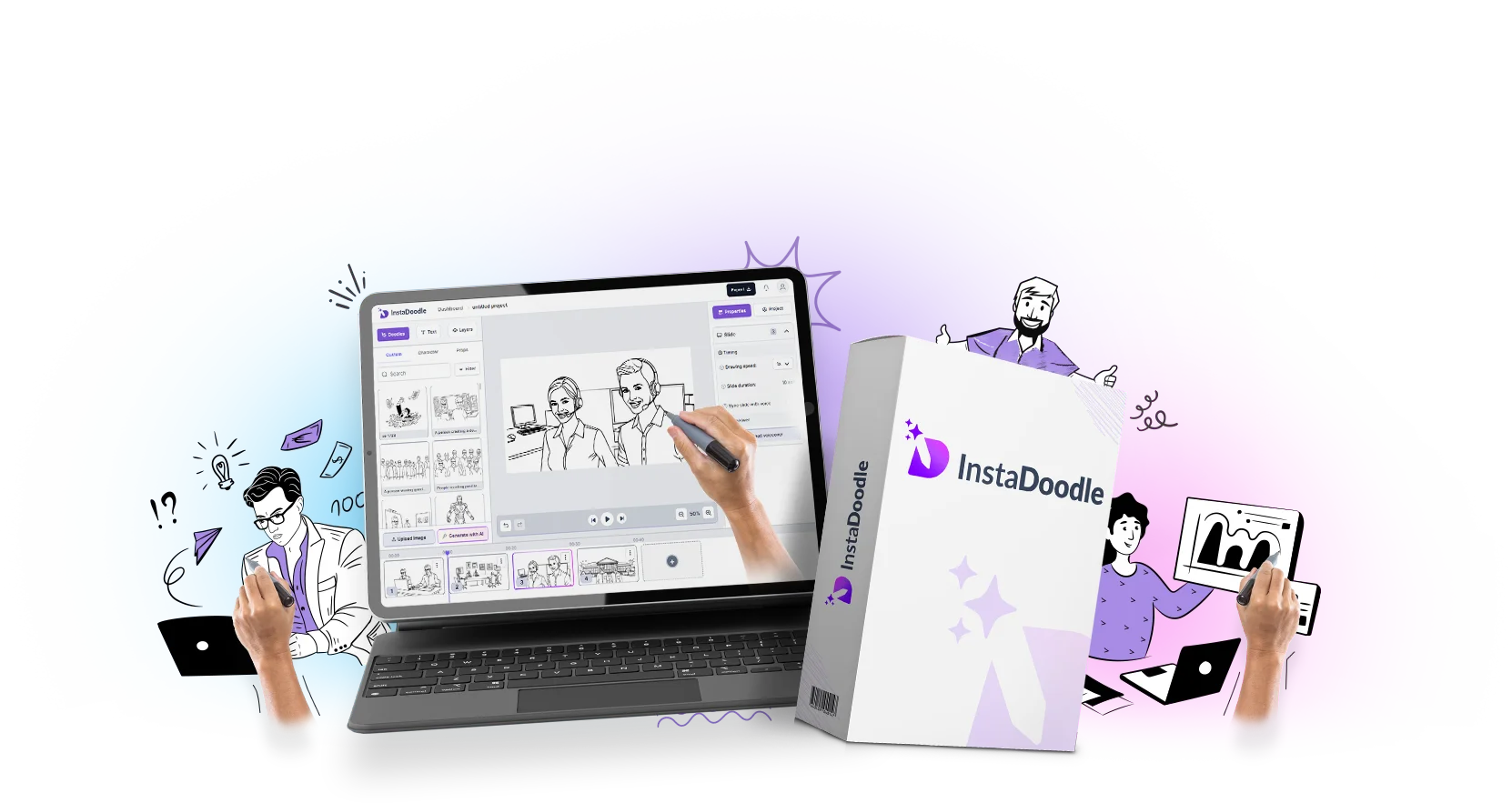
InstaDoodle is a cloud-based tool that lets you create whiteboard-style doodle videos using pre-designed elements and AI-assisted features.
2) Do I need any design or animation skills to use it?
No, InstaDoodle is designed for beginners and non-designers. The interface is drag-and-drop, and most features are automated.
3) Is InstaDoodle a downloadable software?
No, it’s completely web-based. You access it through your browser — no installation required.
4) Is there a refund policy?
Yes, most versions offer 60-day money-back guarantee. Check the specific offer terms.
5) Is there a free trial?
At this time, InstaDoodle does not offer a free trial, but the refund window allows for risk-free testing.
6) How many videos can I make?
The standard license allows for unlimited video creation and downloads.
7) How long does it take to make a video?
Most users can create a basic video in under 30 minutes, depending on complexity.